

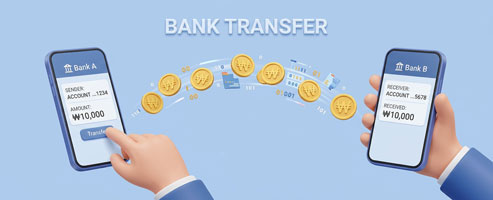
Overview
When purchasing a Korea eSIM, Korea SIM card, or Global eSIM, bank transfer can be a convenient option if overseas credit card payments are difficult or if using PayPal is inconvenient.
However, it may not be the best option for every customer.
However, it may not be the best option for every customer.
FAQs
*
Q1. How can I make a bank transfer within Korea?
–
In Korea, you can make a bank transfer using:
– Internet banking
– Mobile banking
– ATM
– Internet banking
– Mobile banking
– ATM
–
Transfer the exact amount in Korean won (KRW) to the bank account provided after your order.
*
Q2. How can I make a bank transfer from overseas?
–
From overseas, you can send money using international transfer services such as:
– Wise
– Remitly
– Revolut
– Wise
– Remitly
– Revolut
–
These services allow you to send money to a Korean bank account more easily.
–
International transfers usually take a few minutes to 1 business day.
–
Since payment confirmation may take some time after the transfer, we recommend placing your order with sufficient time in advance.
*
Q3. How can I order and pay by bank transfer?
–
On the order page, select your plan, usage days, and quantity, then click “Checkout.”
–
Enter your email address to receive the order information and click “Next.”
–
Select “Direct Bank Transfer” as the payment method.
–
Enter your customer information (name, address, phone number, etc.) and place the order.
–
After the order is completed, an email will be sent with your order details and bank transfer information (bank account and depositor name).
–
Check the order price on this bank transfer guide page and proceed with the payment.
–
Once the payment is confirmed, your order will be processed.