

Why Do Activation errors occur when activating a New Korea eSIM while another eSIM is alive?
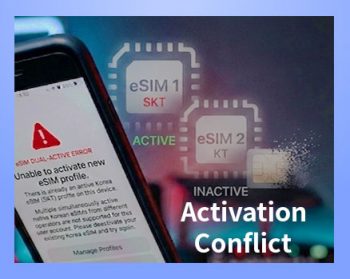
You May Experience These Issues
After installing a new Korea eSIM, you may experience problems such as:
– The eSIM installs successfully, but an error message appears.
– Mobile data does not work.
– Internet access is unavailable.
In most cases, this happens because a previous Korea eSIM from the same carrier is still active.
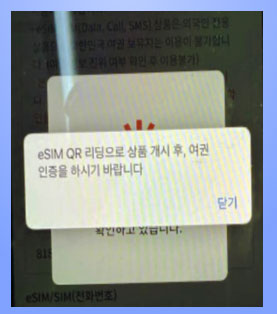
Why Does This Happen?
Some carriers do not allow multiple active eSIMs from the same carrier at the same time.
For example:
– Your previous KT eSIM is still active.
– You install a new SKT eSIM.
– The system may continue recognizing the old eSIM as active,
– which can prevent the new eSIM from working properly.
The Safest Solution
– Install your new eSIM only after your previous eSIM has expired.
– This is the safest way to avoid activation errors.
If You Want to Use the New eSIM Immediately
Even if you delete the old eSIM from your phone settings,
the carrier system may still recognize it as active.
In this case, the previous eSIM record must be deactivated
before the new eSIM can work properly.
If you experience any issues, please contact customer support.
We will help you resolve the issue quickly.
Our Customer Support Case
Customer:
– “The QR code installed successfully, but mobile data is not working.”
Customer Support:
– “Your previous Korea eSIM is still active, which is causing the issue.
– Once we deactivate the old eSIM, the new eSIM will work normally.”
Customer:
– “Yes, please deactivate it.”
→ The old eSIM was deactivated, and the new eSIM worked successfully.